Client Portal
Your schedule, selections, documents, progress photos and messages with our team, all in one place. Log in from any computer, tablet or phone.
Powered by JobTread. Use the link in any project email from us, or log in with the email address we have on file for you.Two ways into your project.
Nothing to install. Use whichever is easier for you.
Tap the link in your email
When we add you to a project, JobTread emails you a personal link. Click it and your project opens. No password needed.
Every project email we send works the same way.
Set a password
Log in from this page anytime and see every project you have with us in one place. Click Log Into Your Project, enter your email, then choose Create or Reset above the password field. JobTread emails you a link to set it.
Forgot your password later? Same steps.
Take it with you
Once your password is set, you can check your project from your phone with the JobTread app on iPhone or Android.
See how the portal works in about four minutes.
A short walkthrough of everything you can do once you are logged in: messages, documents, approvals, your schedule and more.
Log Into Your ProjectEverything about your project, in one place.
No digging through email for the latest change order. No wondering what happened on site today. Log in anytime and see exactly where things stand.
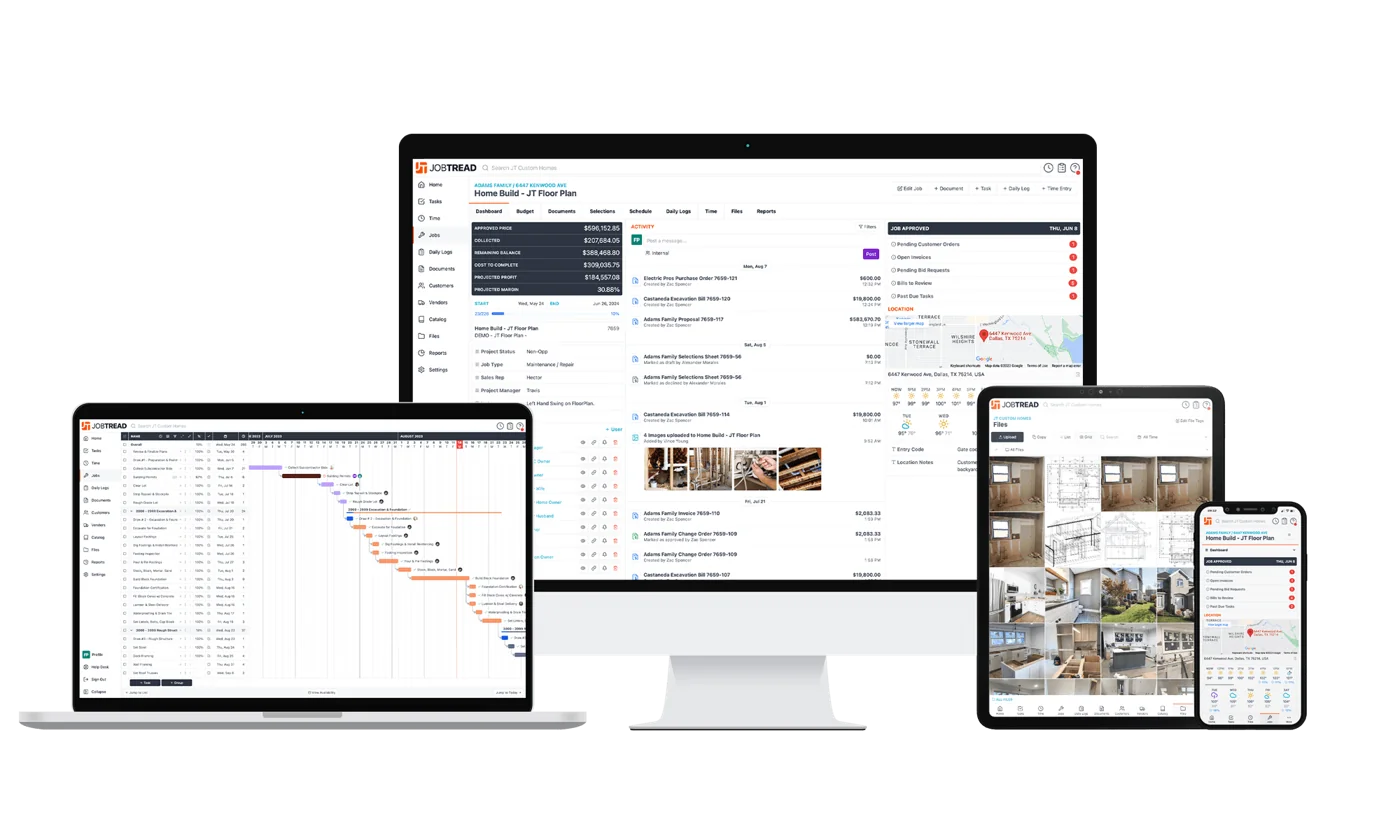
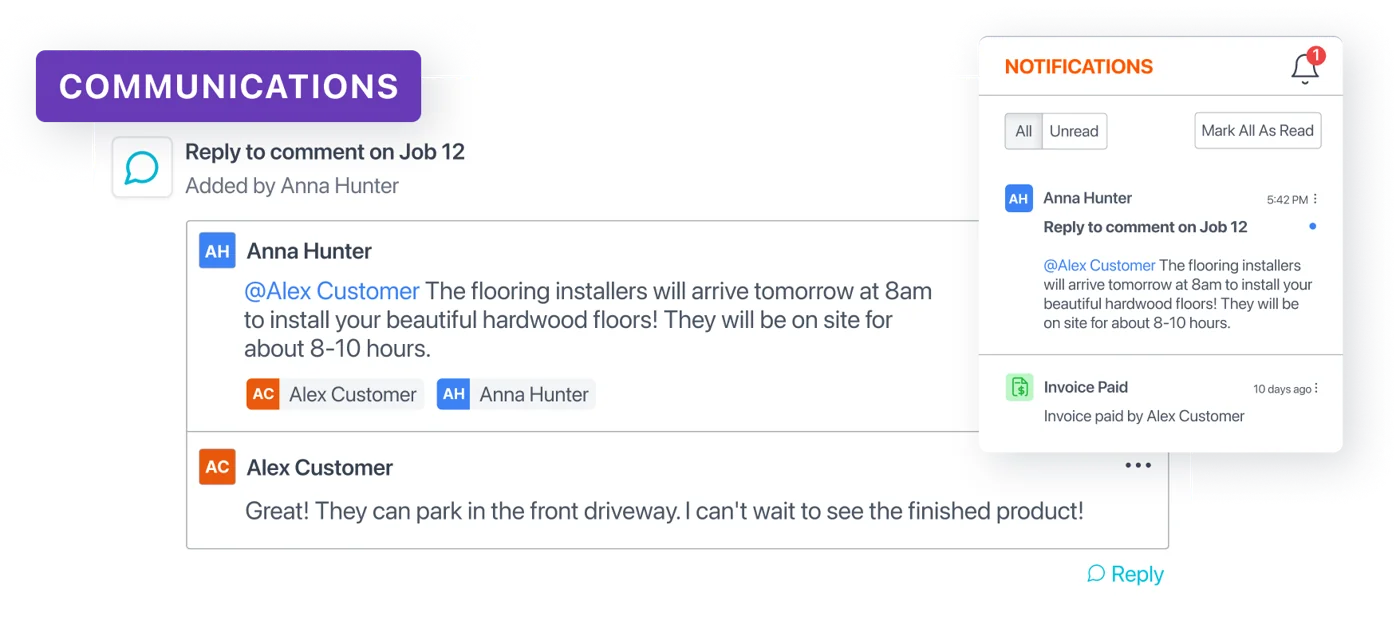
All communication in one place
Ask a question, get an answer, and keep the whole conversation with your project. No more hunting through texts and email threads.
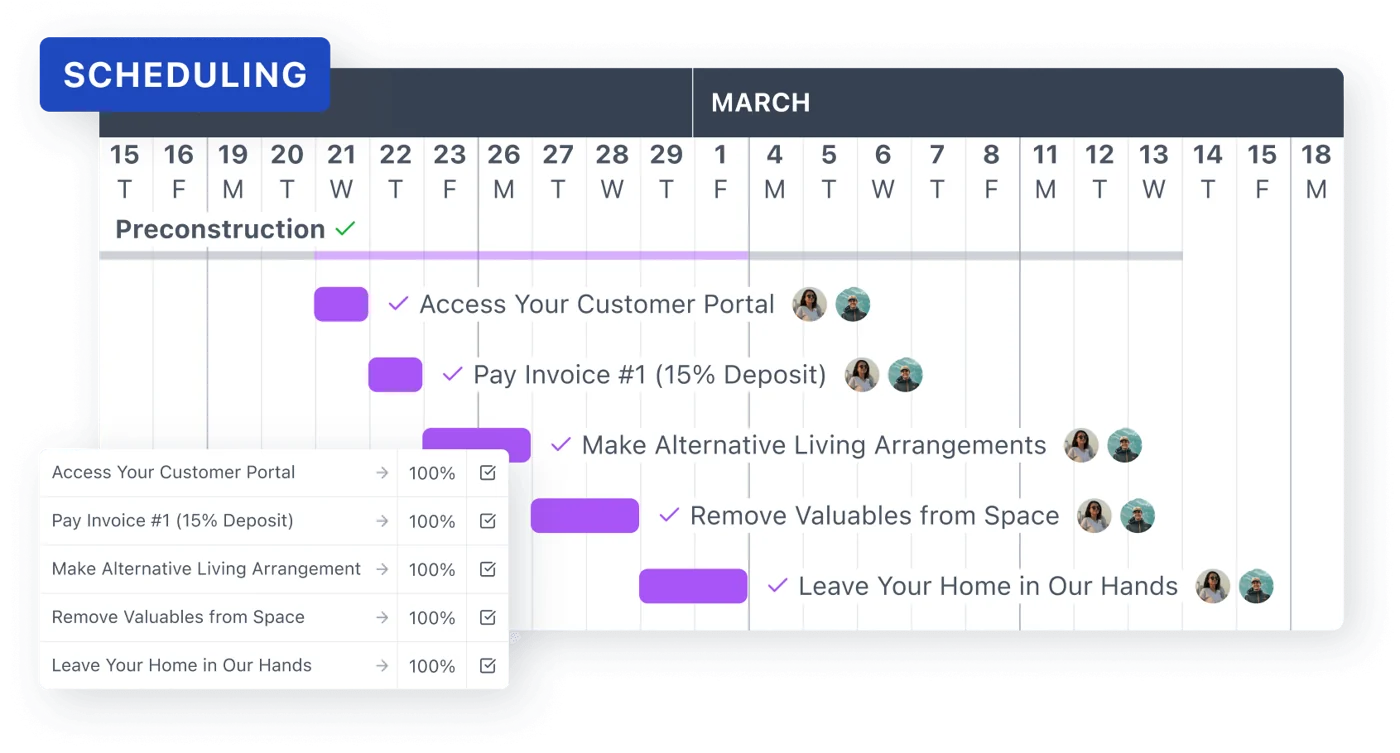
Your schedule, always current
See what's done, what's coming next and when the big milestones are expected. No guesswork, no waiting for an update.
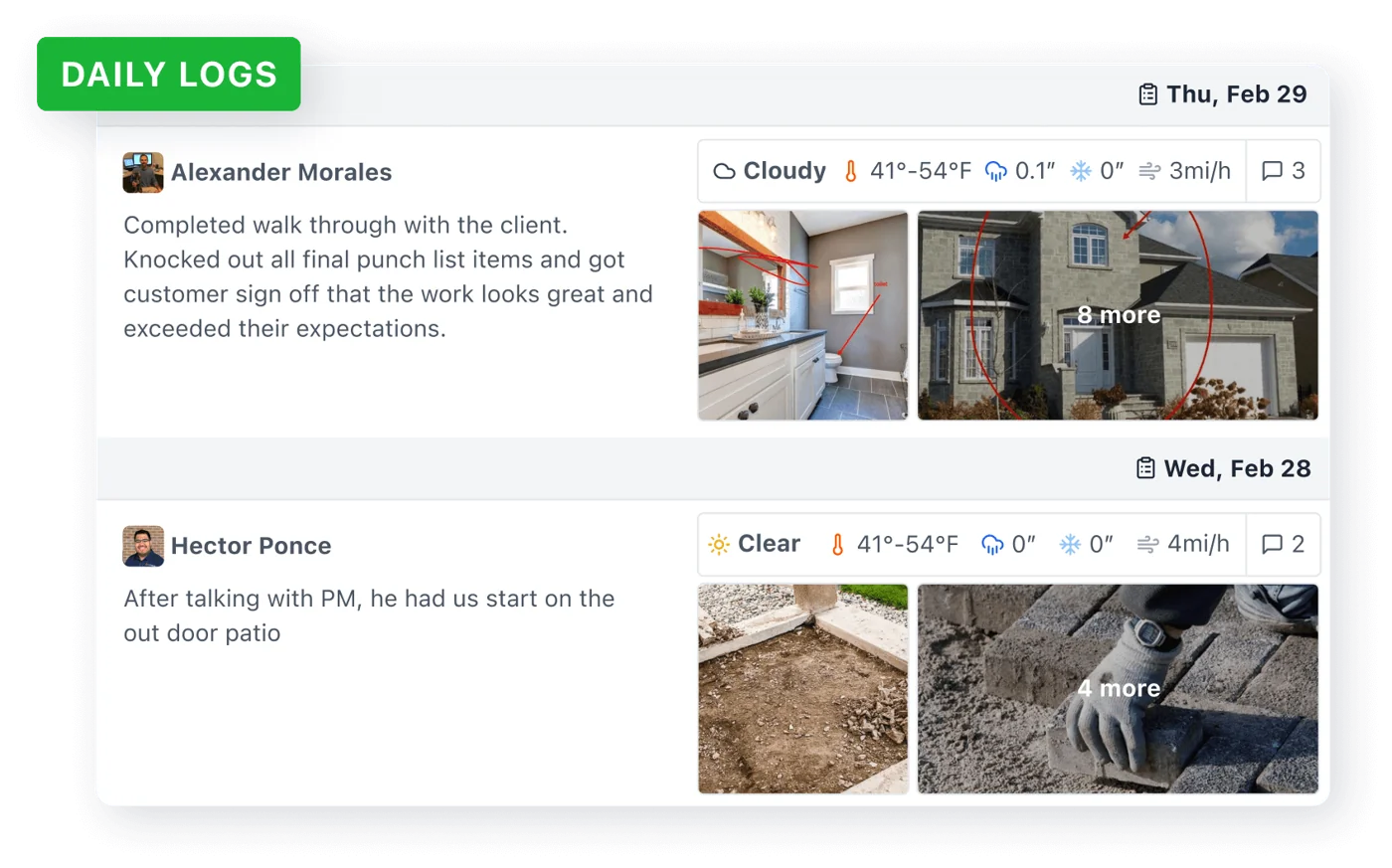
Daily logs from the jobsite
Stay in the loop even when you can't be there. See the progress made, the tasks completed and any notes from the crew.
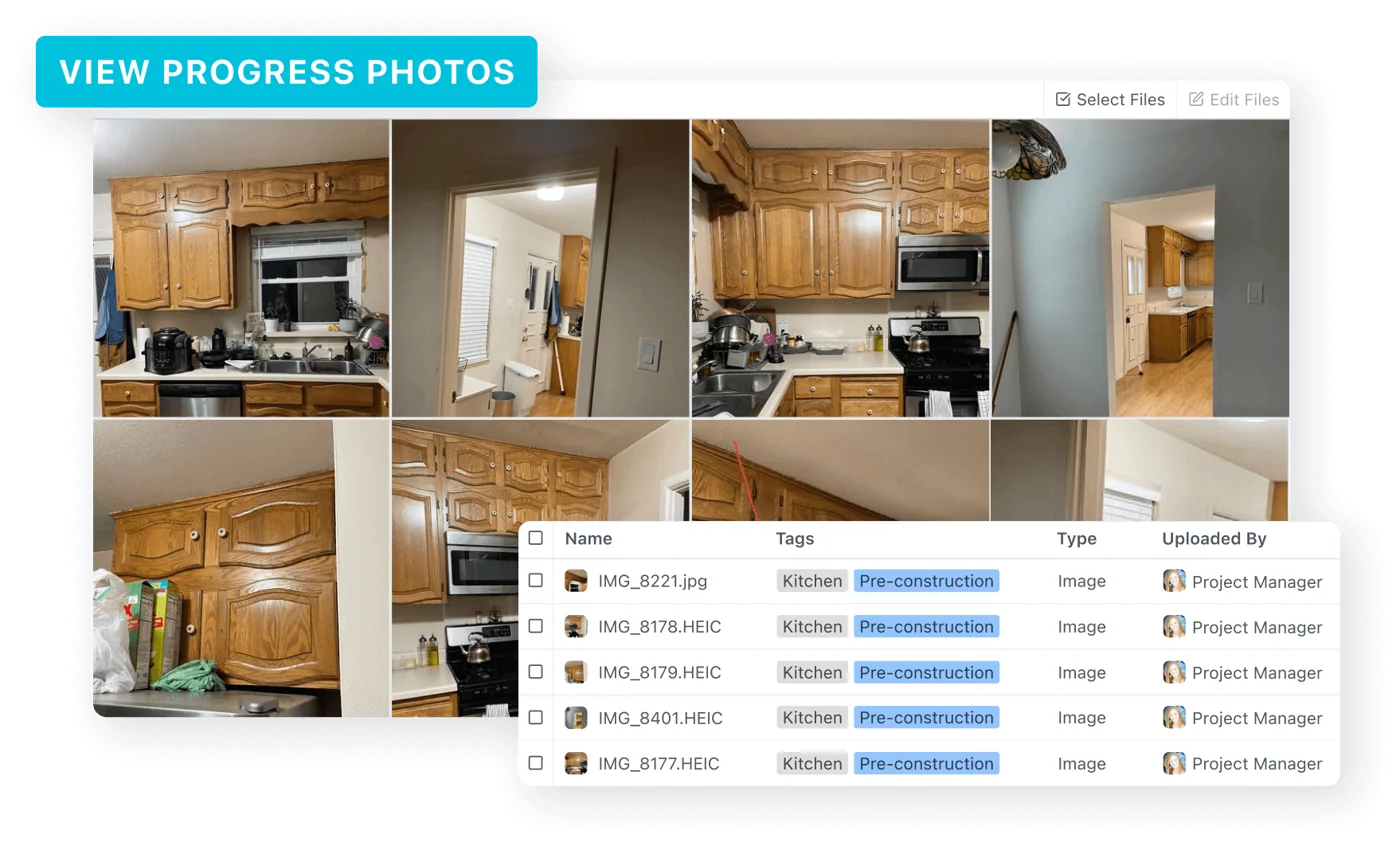
Watch your home take shape
Progress photos from every stage of the build, organized and easy to find, wherever you are.
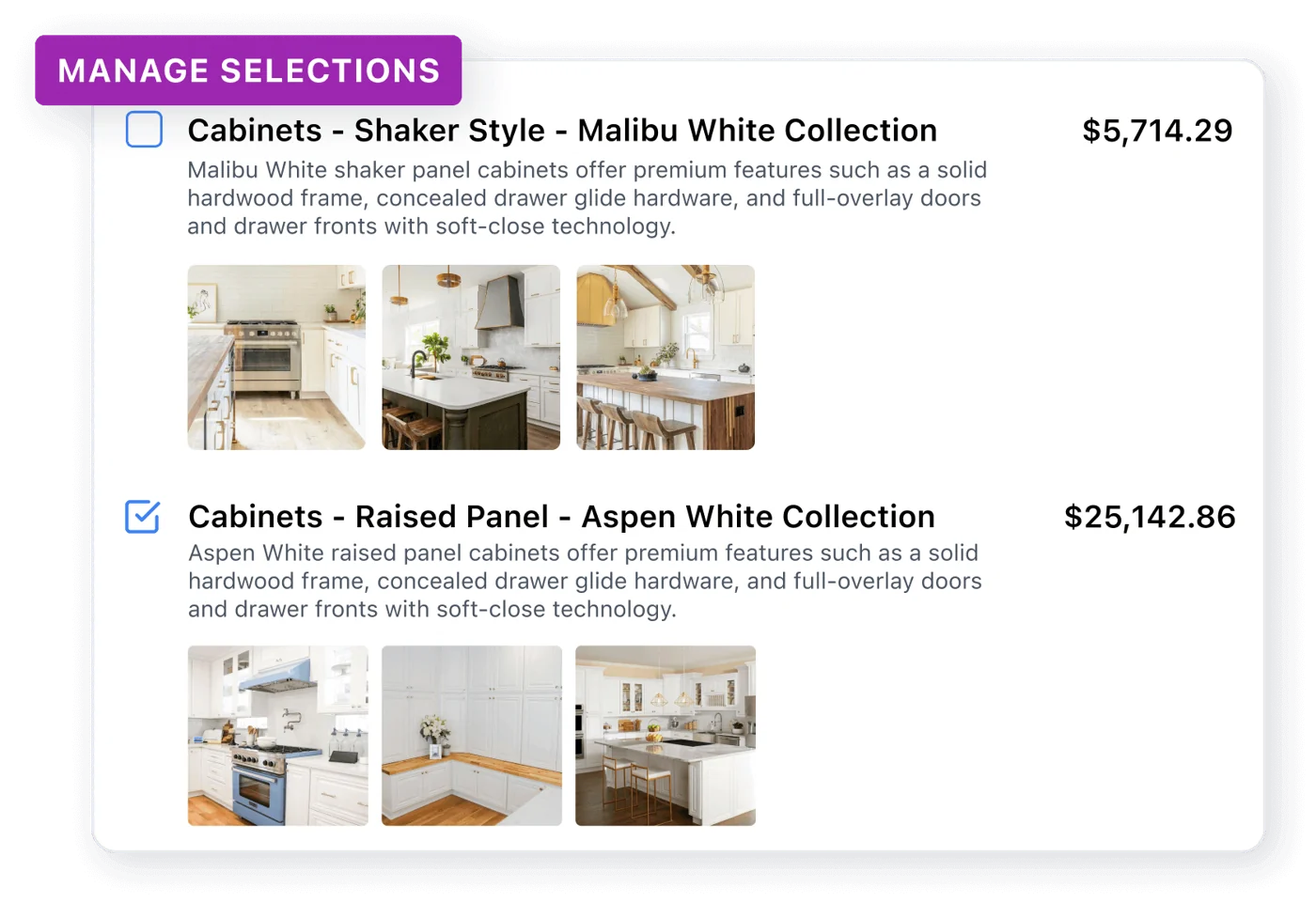
Your selections, organized
Materials, finishes, fixtures and colors, all in one place. Everything you choose stays clear and easy to review.
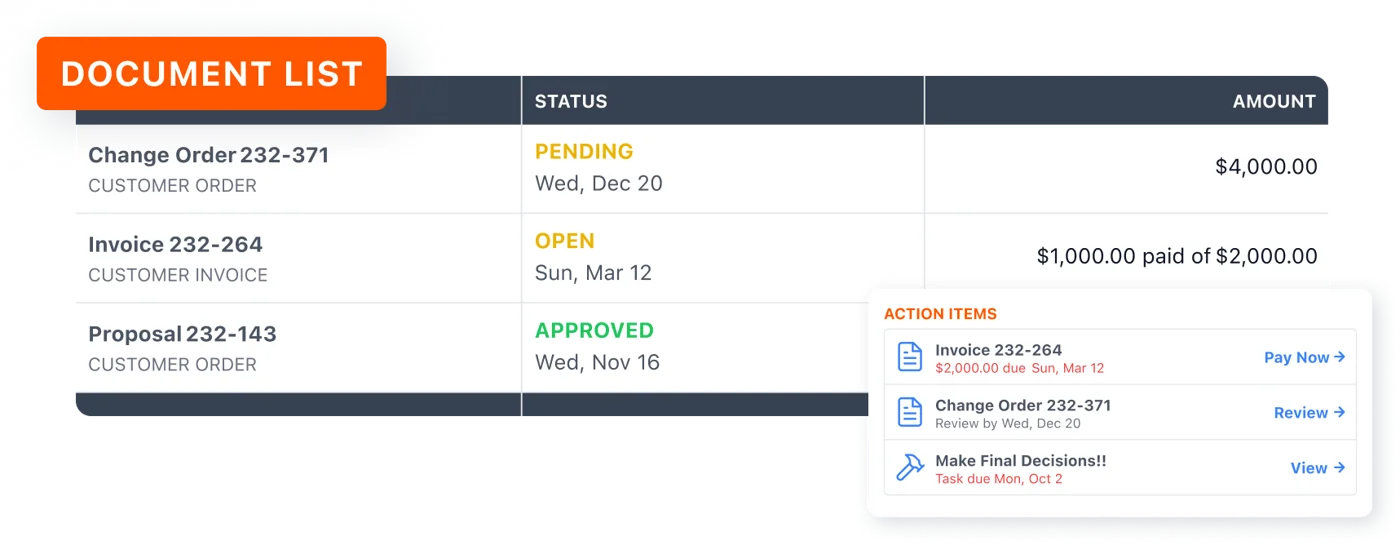
Every document, one click away
Estimates, change orders, invoices, photos and project files, all in one location.
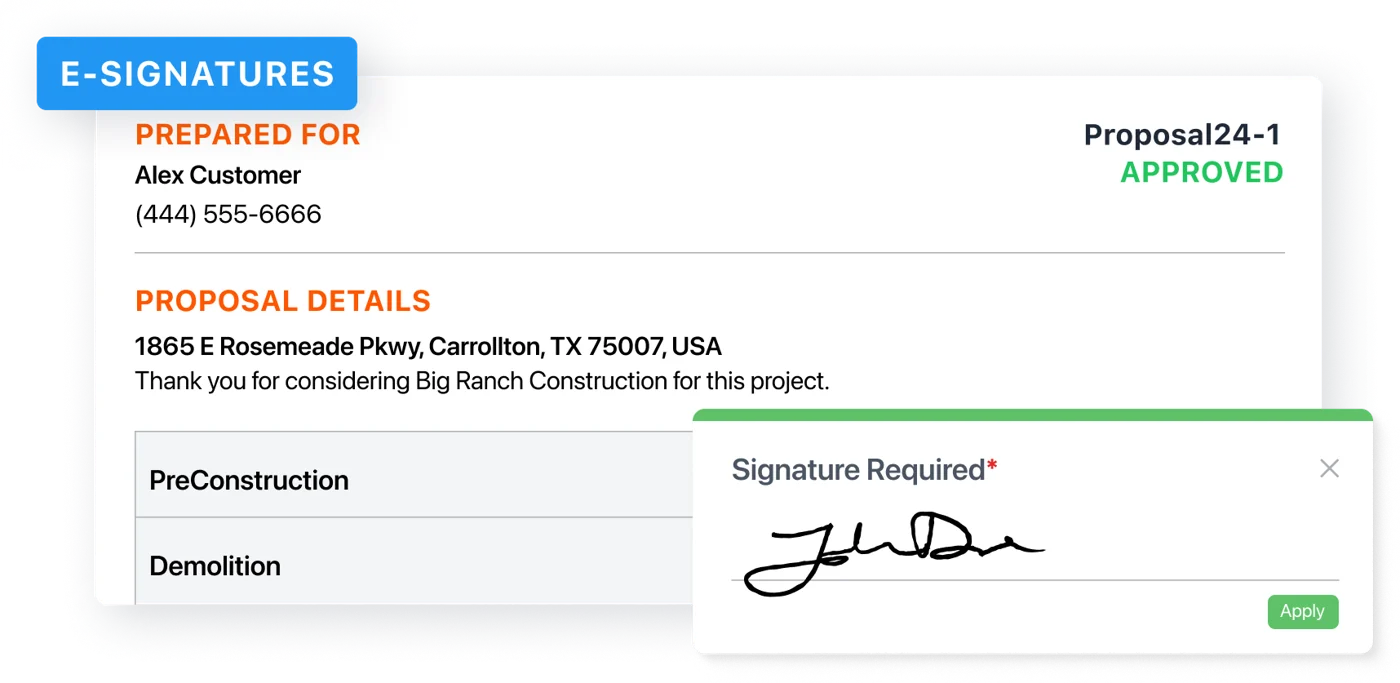
Approve and pay online
Review and sign proposals, view invoices and pay securely online. No printing, scanning or mailing checks.
Trouble logging in? We will get you in.
Didn't get your project email, or the link isn't working? Email us and our team will get you sorted.
Ready to check in on your project?
Your schedule, selections and latest updates are waiting.
Log Into Your ProjectNot a Schock client yet?
Every project we build runs through this portal, so you always know what's next. Start with a free consultation.